

Start a streaming session
Get real-time predictions using the streaming endpoint
Behavioral Signals API offers real-time emotion & behavior recognition and deepfake detection. In this guide we'll provide a starting point for using the streaming endpoint. For more information visit the Streaming API section of the documentation.
🖥️ Start a stream - without writing code
The Deepfakes Dashboard is the quickest way to hear the streaming endpoint working. For production use or automation, we recommend the official SDK or a gRPC client built from the .proto file.
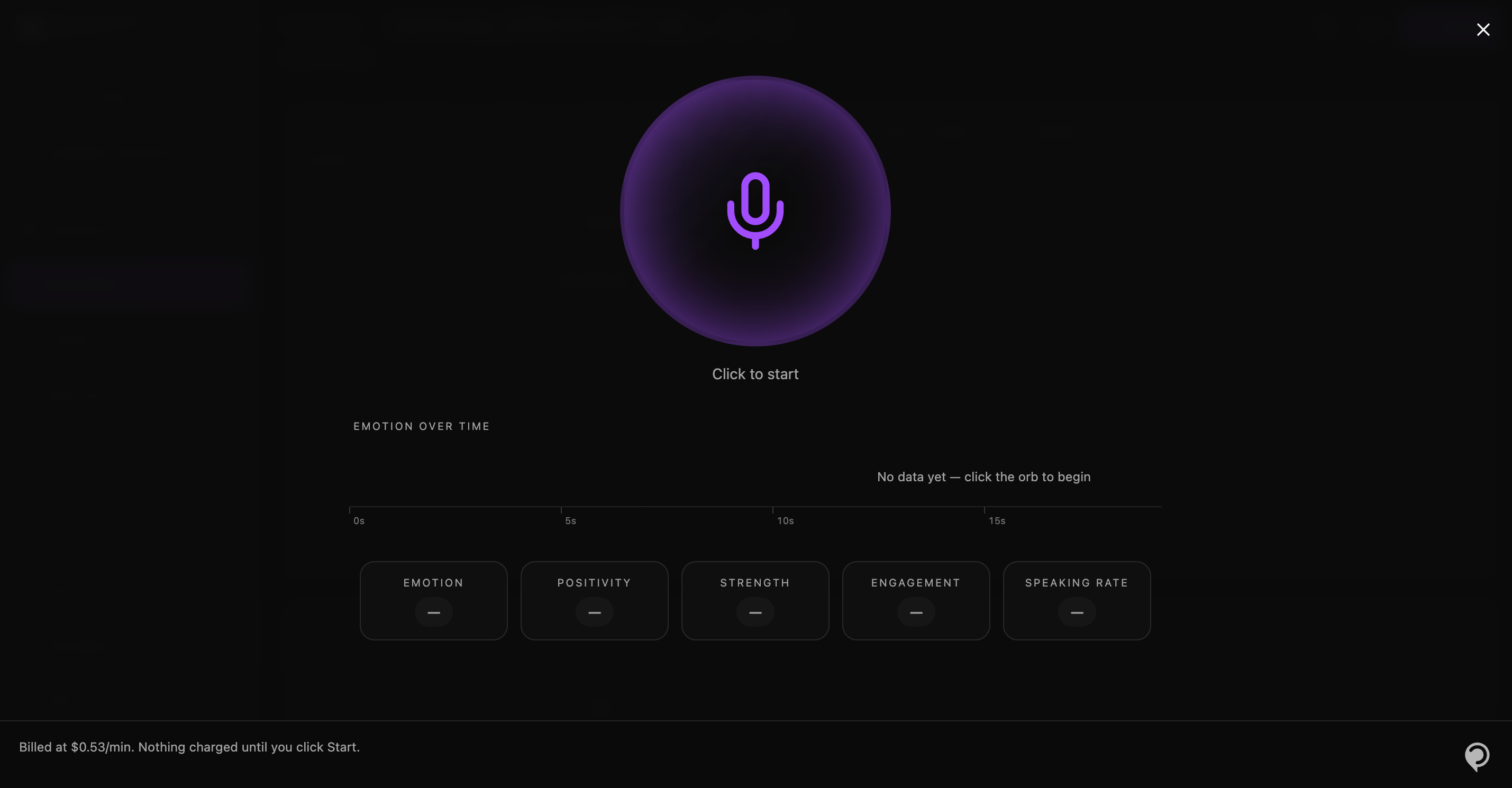
To try streaming without writing any code, open the Deepfakes Dashboard and start a real-time session. It streams audio from your microphone to the API and shows predictions as they arrive — emotion and behavior updating live, alongside a running deepfake verdict.
You will need to allow microphone access when the browser prompts for it.
🐍 Start a stream - using the Python SDK
The recommended way of using the streaming capability of the API is from the official Python SDK.
After you have installed the dependency through PyPI, you can initiate a new stream like this (e.g. from a file) :
from behavioralsignals import Client, StreamingOptions
from behavioralsignals.utils import make_audio_stream, print_results

client = Client()

audio_stream, sample_rate = make_audio_stream(
    "audio.wav",
    chunk_size=0.25,
)

options = StreamingOptions(
    sample_rate=sample_rate,
    encoding="LINEAR_PCM",
)

for result in client.behavioral.stream_audio(
    audio_stream=audio_stream,
    options=options,
):
    print_results(result.results)
chunk_size is specified in seconds, so 0.25 corresponds to 250 ms.
- The
make_audio_streamis a utility method that read an audio file and transforms it to chunks of fixed size. - Alternatively, you can use any
Iterator[bytes]input toclient.behavioral.stream_audio - The
StreamingOptionsdefine the sample rate and encoding of the audio (onlyLinear PCMsupported at the moment) - The method yields objects of type
StreamingResultResponse, defined here
Updated 7 days ago